Description
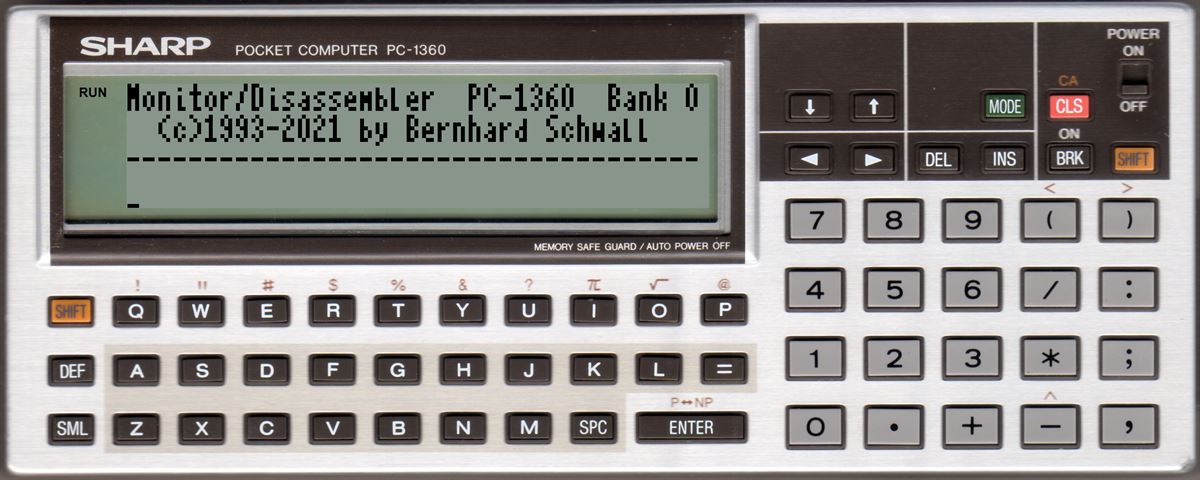
This is a hex-monitor and disassembler that is able to access all ROM- and RAM-banks (PC-1360). It can display and copy the content to RAM or change the content of the RAM. It uses the 37x4 character display from the basic extension, but runs without it.
The following commands are implemented:
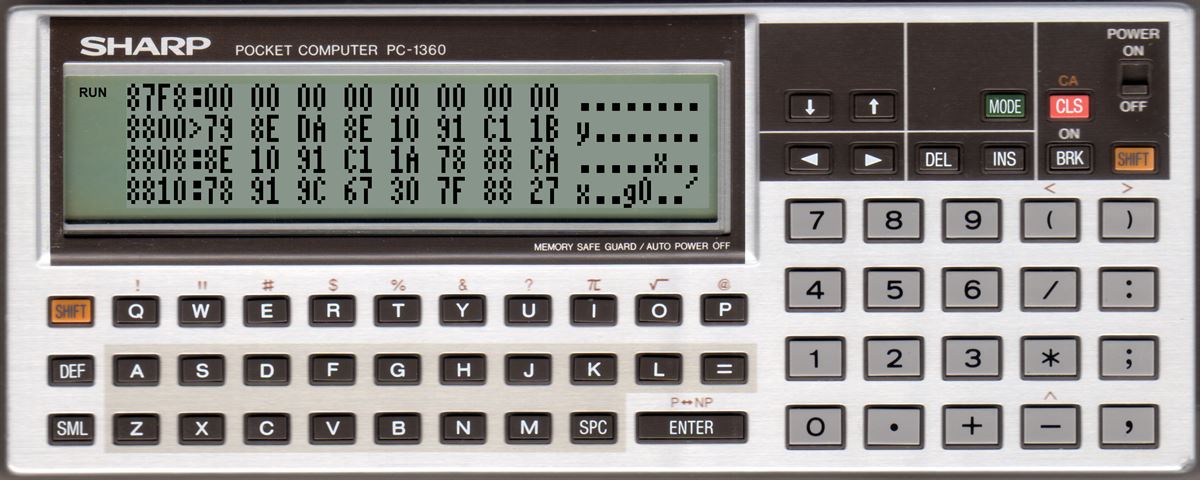
'M'onitor
Hex-montior, start with
PC-1350: M xxxx
PC-1360: M xxxx[,Bank]
Enter will end the display
The start address of the display can be changes with the cursor keys by one or eithg byte.
When displaying RAM content the value right beside the > can be changed by entering a hex value. The value is written into memory after the second nibble is entered and the address is changed to the next byte.
If a cursor key is pressed after entering the first nibble the input is canceled.
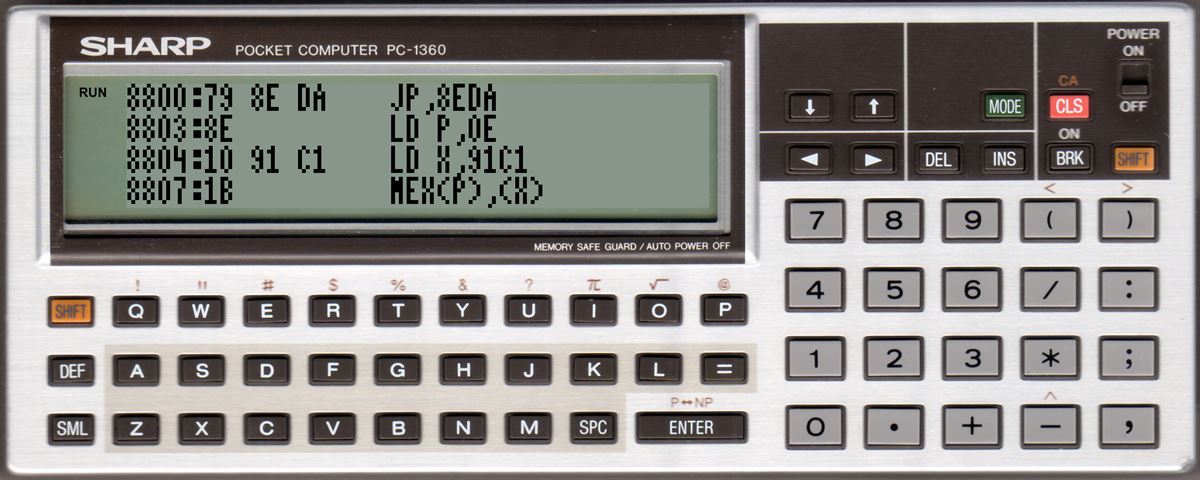
'D'isassembler
Disassembler, start with
PC-1350: D xxxx
PC-1360: D xxxx[,Bank]
Enter will end the display
Cursor up/down will scroll one line up or down.
If scrolling down the next byte in memory is interpreted as assembler command
If scrolling up the disassembler tries to find the command before the currently shown by analysing the 16 byte before the current address.
'C'opy
Copy data from RAM or ROM to RAM, start with
PC-1350: C ssss eeee zzzz
PC-1360: C ssss eeee[,BankQ] zzzz[,BankZ]
Copy from <ssss> to <eeee> (incl. both addresses) from bank <BankQ> (only PC-1360) to <zzzz> in <BankZ> (only PC-1360)
PC-1360: source bank can bei ROM-bank 0-7 or RAM-bank 0-1. Destination can be RAM-bank 0-1. Bank 0 is the default if no value is given.
'F'ill
Fills the RAM with a value, start with
PC-1350: F ssss eeee bb
PC-1360: F ssss eeee[,Bank] bb
Fills <ssss> bis <eeee> (incl. both addresses) in <Bank> (only PC-1360: RAM-bank 0-1) with the value <bb>
PC-1360: bank 0 is the default if no value is given.
'X' -> Exit
Ends the monitor, start with
X
Requirements
At least 8 KB RAM
Download Sharp PC-1350 - monitor/disassembler
There are 4 versions to download. Two using PKS-mnemoniks and two with ERS-H/Sharp-mnemonics for the disassembler. And those for two different RAM addresses.
The start is by calling the staring address of the used version.
The WAV files are assembly files and must be loaded with CLOAD M.
The monitor is too big for the internal RAM so at least a 8 KB RAM card is needed.
&2030
Basic start with a 16 KB RAM card
Before loading you should move the basic start to &3000
POKE &6F01,0,&30:NEW
&4030
Basic start with a 8 KB RAM card
Before loading you should move the basic start to &5000
POKE &6F01,0,&50:NEW
Attention: the basic loader has a size of approx. 17 KB so it's only useable with a 16 KB RAM card and with the variant starting at &2030.
There are 6 versions to download. Three using PKS-mnemoniks and two with ERS-H/Sharp-mnemonics for the disassembler. And those for three different RAM addresses.
The start is by calling the staring address of the used version.
The WAV files are assembly files and must be loaded with CLOAD M.
&8030
Basic start with a 32 KB RAM card
Before loading you should move the basic start to &9100
POKE &FFD7,0,&91:NEW
&8800
Directly behind the basic extension SW Basic V9 with a 32 KB RAM card
Before loading you should move the basic start to &9900
POKE &FFD7,0,&99:NEW
&E030
Basic start with a 8 KB RAM card
Before loading you should move the basic start to &F100
POKE &FFD7,0,&F1:NEW
Attention: the basic loader has a size of approx. 18 KB so it's only useable with a 32 KB RAM card and with the variant starting at &8030 or &8030.